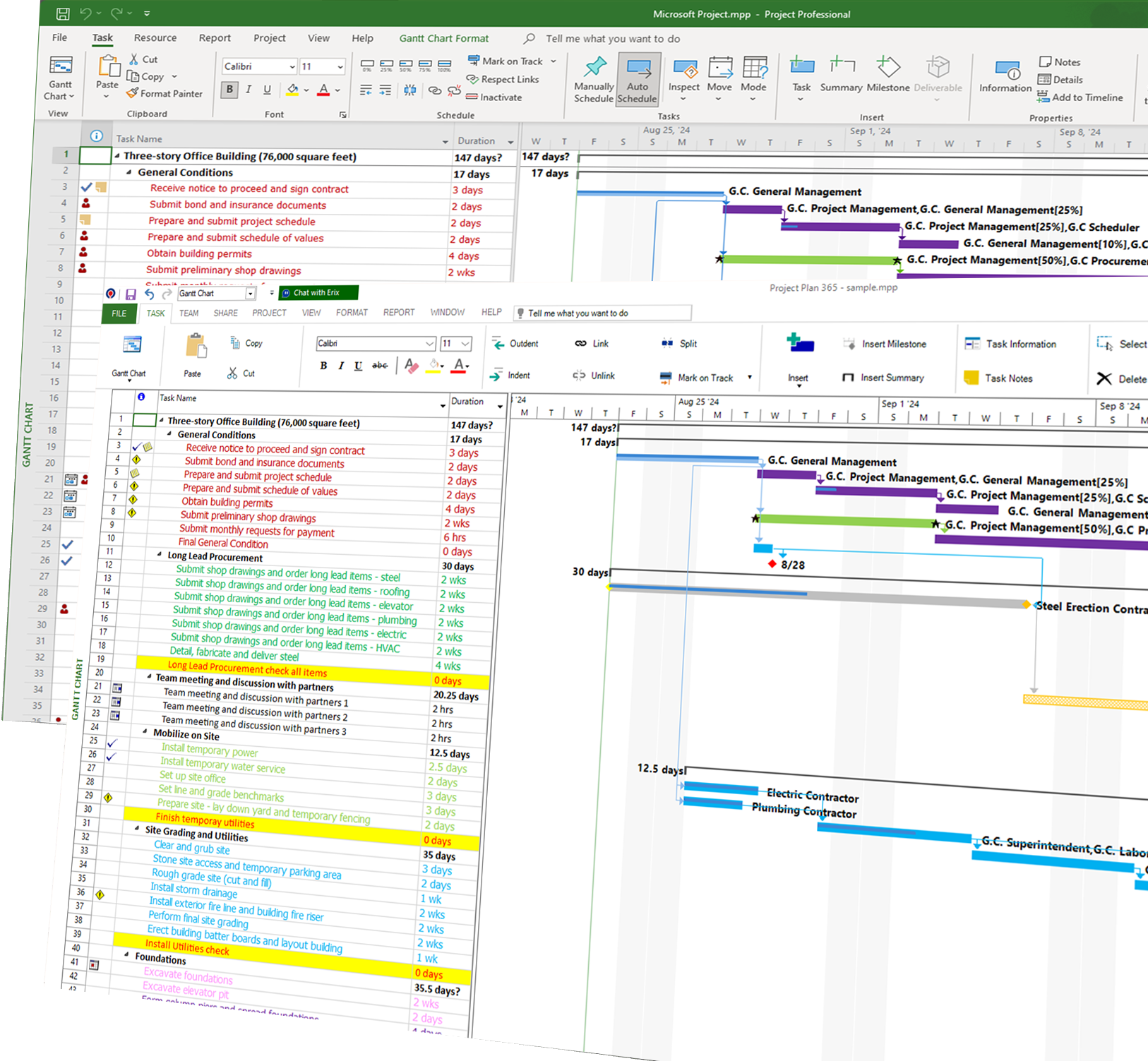
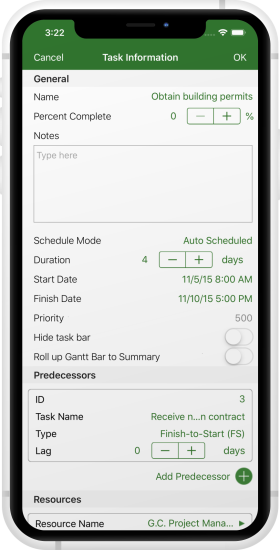
Open, edit, and save Microsoft Project (.MPP) files with complete support—no conversion required, ensuring your plans stay accurate and intact.
Familiar Microsoft Project Look & Feel
Work with the familiar scheduling interface and views you already know, including Gantt charts, timelines, and task dependencies—so you can get started immediately.
Powerful Scheduling & Resource Management
Build detailed schedules, assign tasks, manage resource workloads, calculate critical paths and milestones—helping you deliver projects on time and under control.
Seamless Collaboration & Cloud Integration
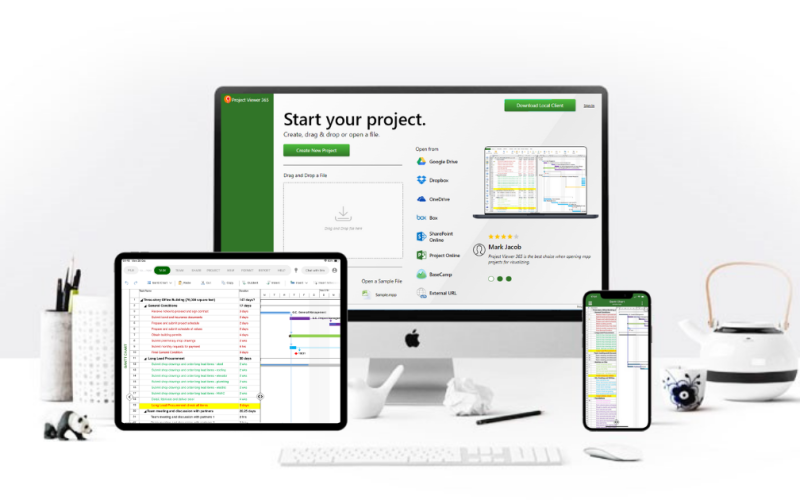
Keep your project plans accessible and shareable using popular cloud services like OneDrive, SharePoint, Dropbox, Google Drive, and others—so teams stay aligned and informed.
Cross-Platform Access Anywhere
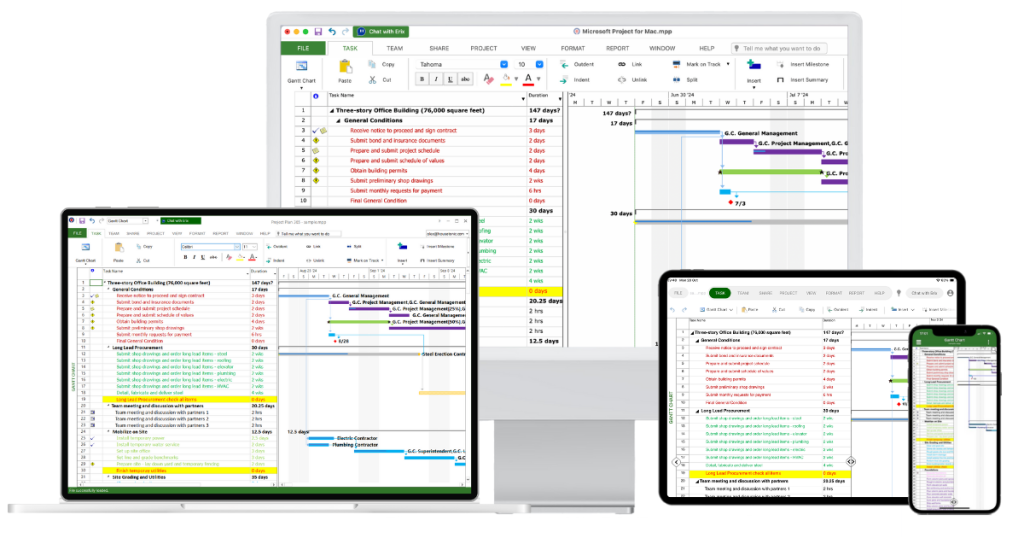
Plan, update, and track .MPP projects on Windows, Mac, iOS, and Android—so you stay productive whether you’re at your desk or on the go.
The Perfect Companion for MS Project
Project Plan 365 users can open and save any .MPP plan created in the popular Microsoft Project planning tool, without import or export, allowing seamless collaboration with MS Project users.
If you are a PM that knows the ins and outs of MS Project, then you already know how to use Project Plan 365.
Powerful and secure, for the busy project manager on the go.
Powerful Features: Advanced Scheduling Engine, Customizable Gantt Charts and more!
Customizable to support 12 languages, over 20 date formats and more than 100 currencies.
No matter where you are, you can always view or edit your Project Plan!
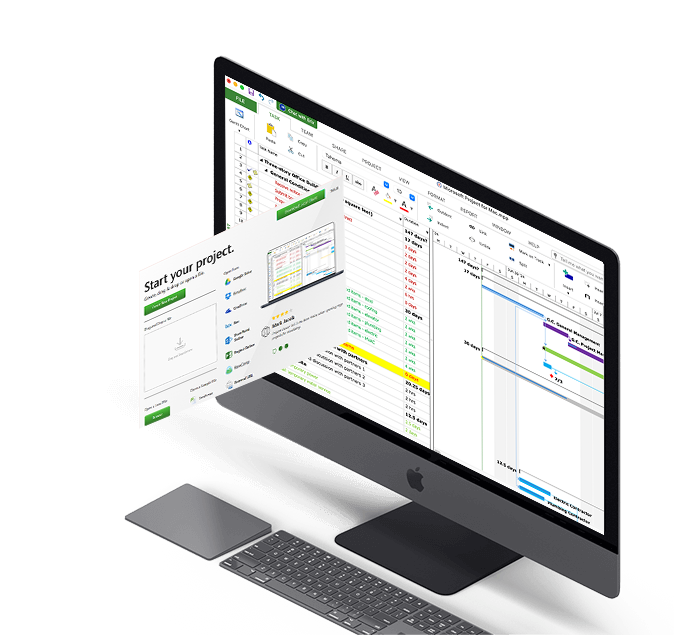
Project Plan 365 is cloud-enabled to work with all the popular cloud services, such as Google Drive, Dropbox, Box, OneDrive and more.
Project Plan 365 also connects to SharePoint, Microsoft Project Server and BaseCamp. You can even use Project Plan 365 via the web. We’ve made sure that wherever you are, you have your project with you.
Project Plan 365 for Mac
An MS Project Alternative For Mac
Unlike the competition, Project Plan 365 for Mac is the only app made for Apple computers that can open, edit and save in .mpp Microsoft's native file format for MS Project plans.
Project Plan 365 features a powerful scheduling engine that calculates costs, end dates, critical paths, resource over-allocations, and much more. Project Plan also produces stunning Gantt charts, dashboards, and reports.
There are subscription plan options for an individual project manager (PM), a business team (PMO), and even for your entire global enterprise!