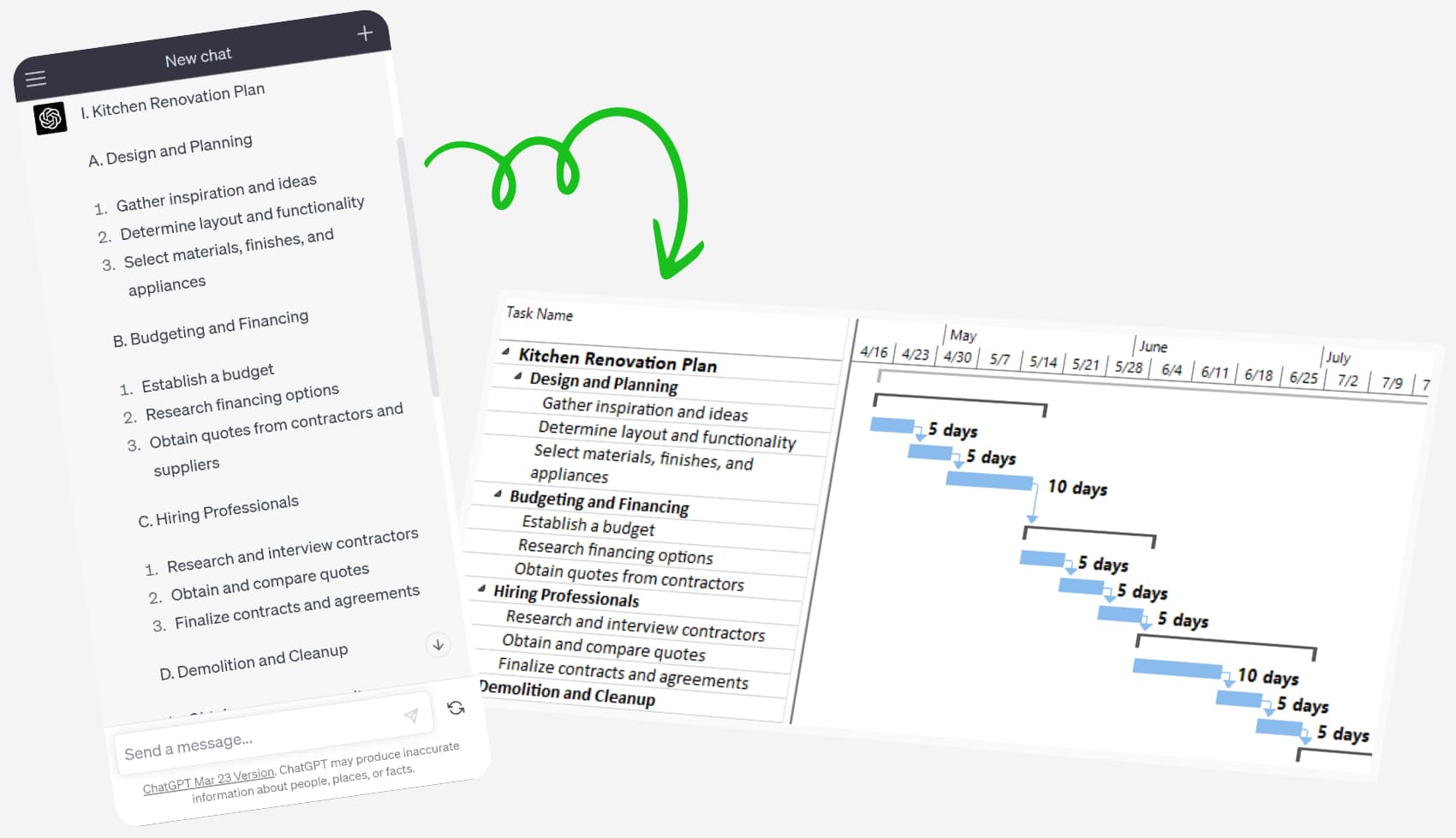
Experience the future of project management with AI-powered Chat GPT, transforming project planning through conversational Gantt Charts in .MPP project format.
NEW! ChatMPP - Your AI Copilot for Microsoft Project Files
How to use ChatMPP?
1. Access the ChatMPPwebsite. 2. Click on the "Upload MPP" button and select the desired project.
3. Ask ChatMPP any questions about your project to get insights, summaries, and answers using natural language.
1. Search for "MS Project Copilot" in GPT Storeusing your Chat GPT Plusaccount. 2. Start the chat, discuss with MS Project Copilotand create your Project.
3. Open the project directly in Project Plan 365 Online Viewer or Download it as .MPP with no additional formatting needed.
4. Or attach an MPP project and ask MS Project Copilot to analyze it.
How to Create a Project with Erix GPT Assistant from Project Plan 365?
1. Install Project Plan 365 and launch the application.
2. Open Erix and choose New project using Erix GPT.
3. Begin a conversation with Erix GPT assistant using text or voice commands, describing your project requirements.
4. Observe the real-time updates on the Gantt Chart as you provide instructions to Erix GPT.
5. Once satisfied with your project plan, save it in the .mpp project format.
How to use Project Plan 365 Assistant Browser Extension?
1. Install "Project Plan 365 Assistant Extension" to your browser (Chrome/Edge) from Chrome Web Store or Edge Add-ons Store. 2. Discuss with Chat GPT and create your Project, then instruct Chat GPT to write the plan in a table. 3. Open the plan in Online Project Plan 365 or download it in .mpp project format.
Introducing the Next Generation of AI-Powered Project Management
Discover the future of project management with our AI-powered Chat GPT solutions. Our innovative tools are designed to revolutionize the way you approach project planning.
The Project Plan 365 Assistant Browser Extensionand MS Project Copilot make it easier than ever to create .MPP projects and Gantt Charts in a conversational, user-friendly manner. By utilizing the power of AI, these groundbreaking technologies allow you to quickly generate project plans while streamlining your workflow.
Experience increased efficiency and ensure project success with our cutting-edge AI solutions.
Powerful Planning and Scheduling Your Way!
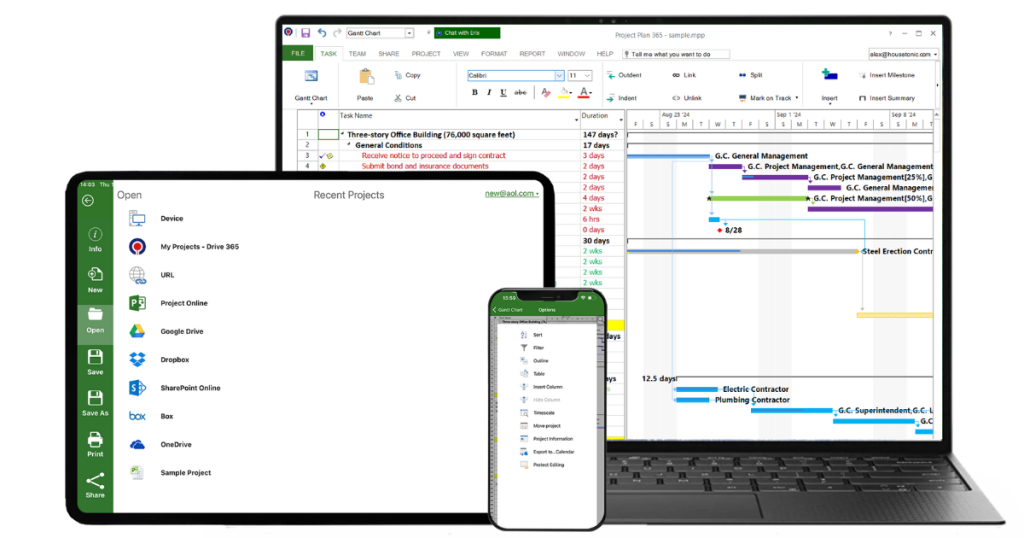
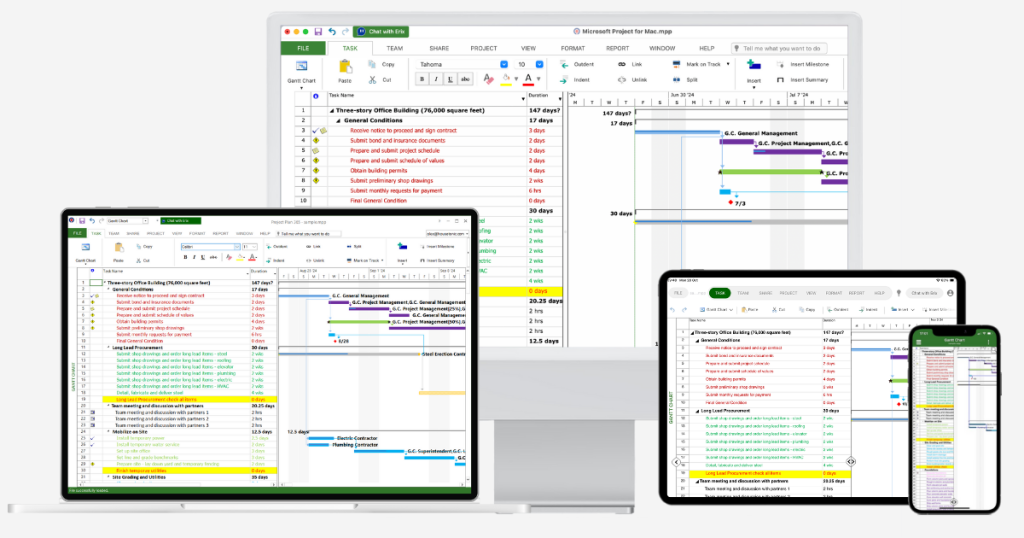
Project Plan 365 features a powerful scheduling engine that calculates costs, end dates, critical paths, resource over-allocations, and much more. Project Plan 365 also produces stunning Gantt charts, dashboards and reports right out of the box.
There are subscription plans for an individual project manager (PM), a business team (PMO) - and even a plan for your entire global enterprise!
No matter where you are, you can always edit or view your Project Plan!
Project Plan 365 is cloud-enabled for work with all the popular cloud services, such as Google Drive, Dropbox, Box, OneDrive and more.
Project Plan 365 also connects to SharePoint, Microsoft Project Server and BaseCamp. You can even use Project Plan 365 via the web, making sure that wherever you are, you have your project with you.