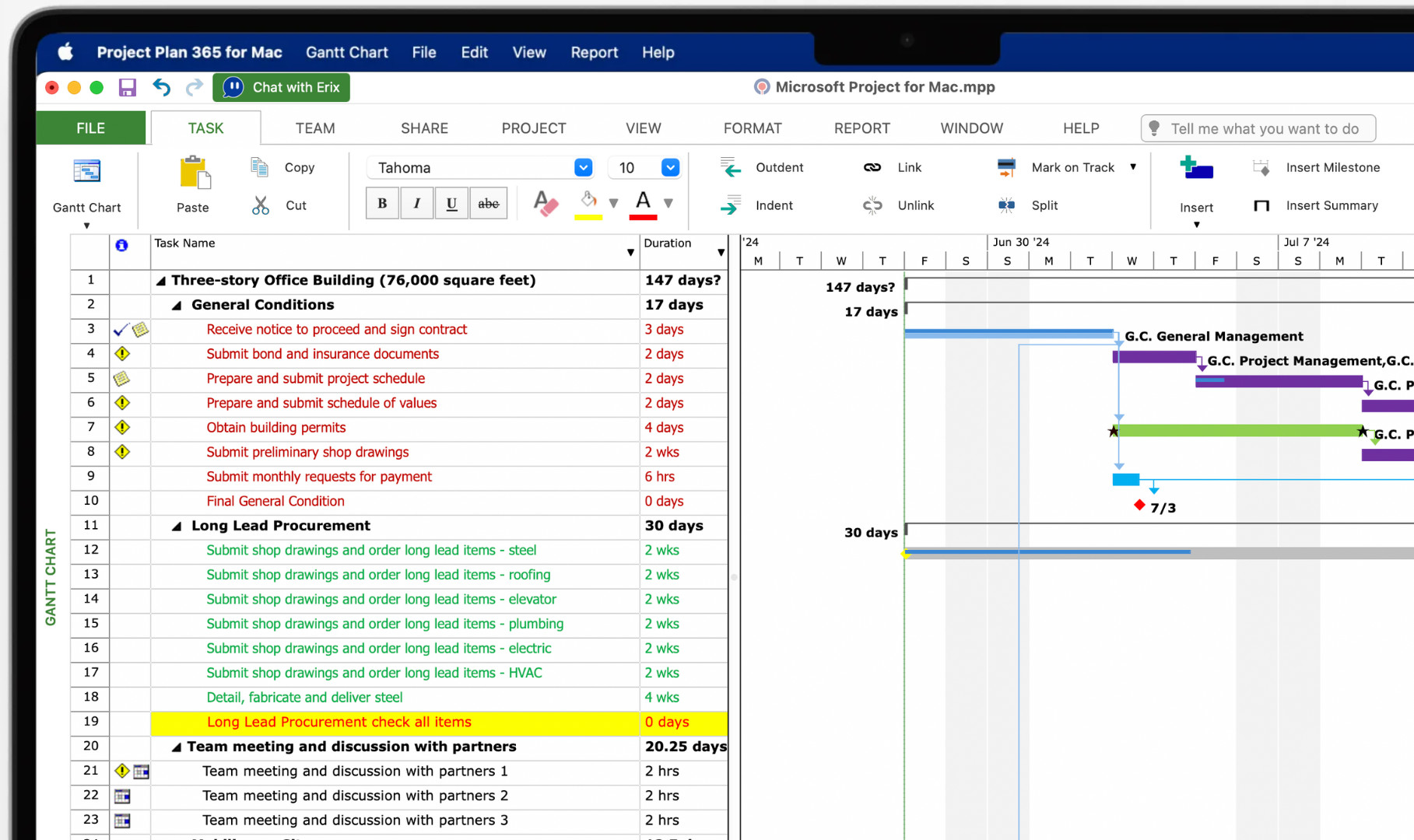
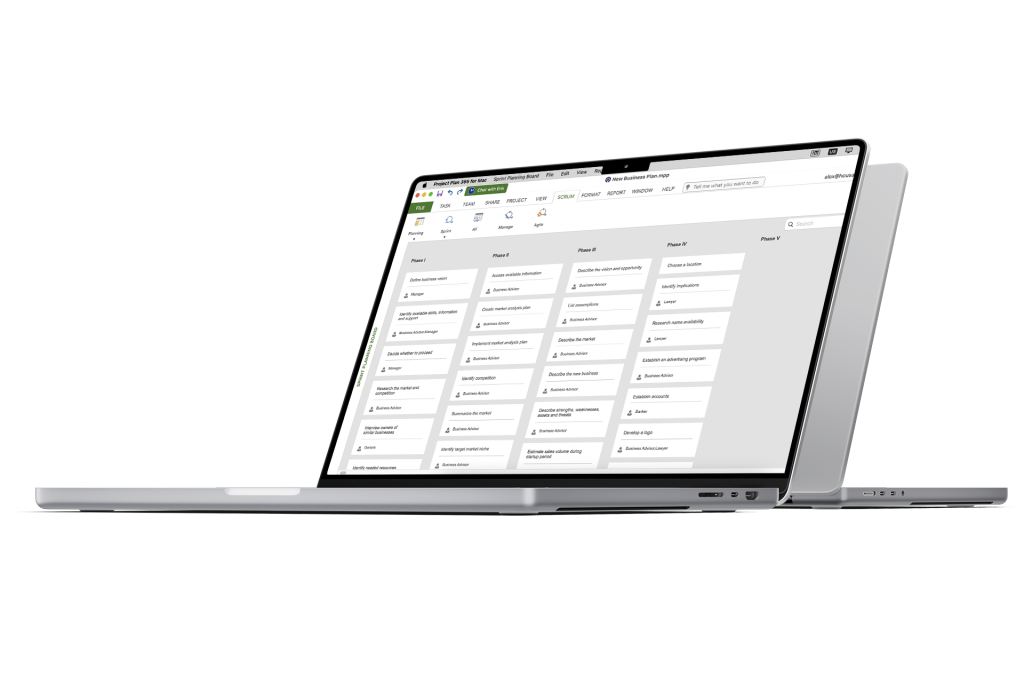
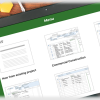
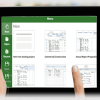
Open, view, edit, and save Microsoft Project MPP files directly on your Mac with Project Plan 365. Work with your existing schedules without converting files or installing Windows.
Use familiar views to explore your schedule, tasks, and resources:
• Gantt Chart and Tracking Gantt — Review task dates, progress, and baseline comparisons.
• Network Diagram and Calendar — Explore dependencies and scheduled activities.
• Task Sheet and Task Usage — Review task details, assignments, and work over time.
• Resource Sheet, Resource Usage, and Resource Graph — Review resources and allocation.
• Team Planner and Timeline — Review assignments and highlight key project activities.
Work with Files on Your Mac or in the Cloud
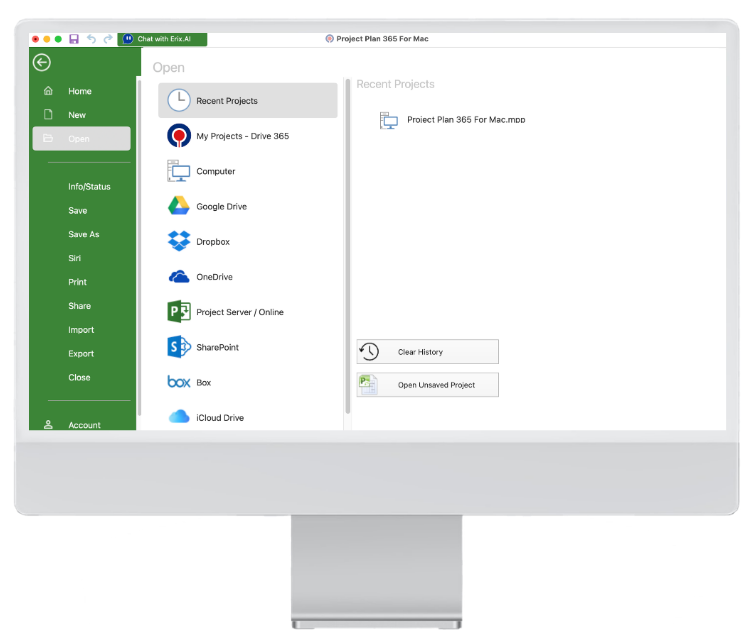
Open and save MPP files on your Mac or through supported cloud services, including Google Drive, OneDrive, Dropbox, Box, iCloud Drive, and SharePoint Online.
Keep your projects in the location that fits your workflow and access them through Project Plan 365.
Share Your Project in the Format You Need
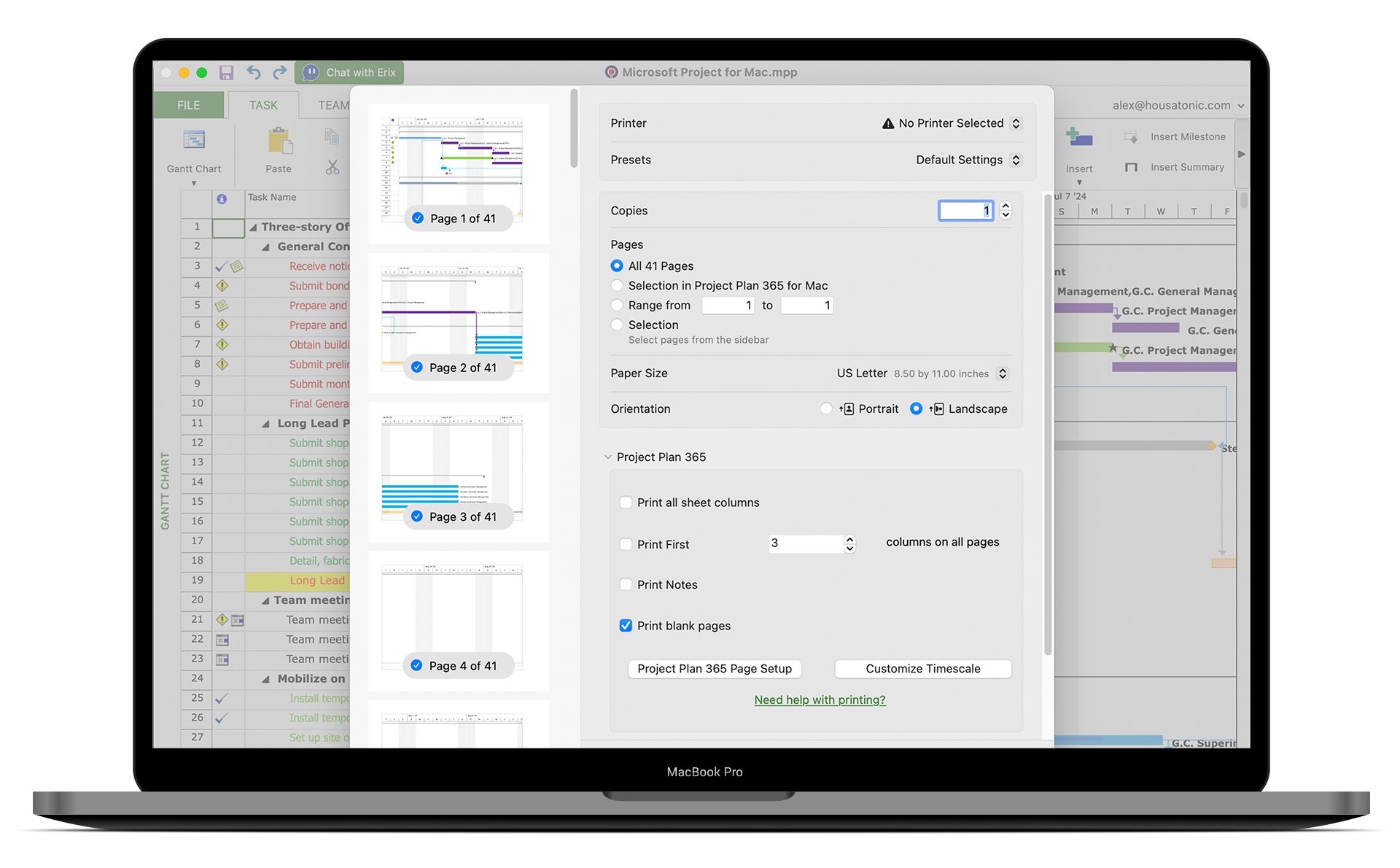
Share the MPP file with colleagues who need to work with the schedule, or print a project view and save it as PDF for meetings and presentations.
Choose the view and project information you want to include before printing.