


How do I start trial or purchase the Standard Editor Subscription for Project Viewer 365 from App Store?
To purchase the Standard Editor Subscription from App Store, please follow the steps below:
- Download and install our latest Project Viewer 365 application from App Store.
- Open the application.
- Once you open the application a dialog will appear to Sign In or Create an Account.
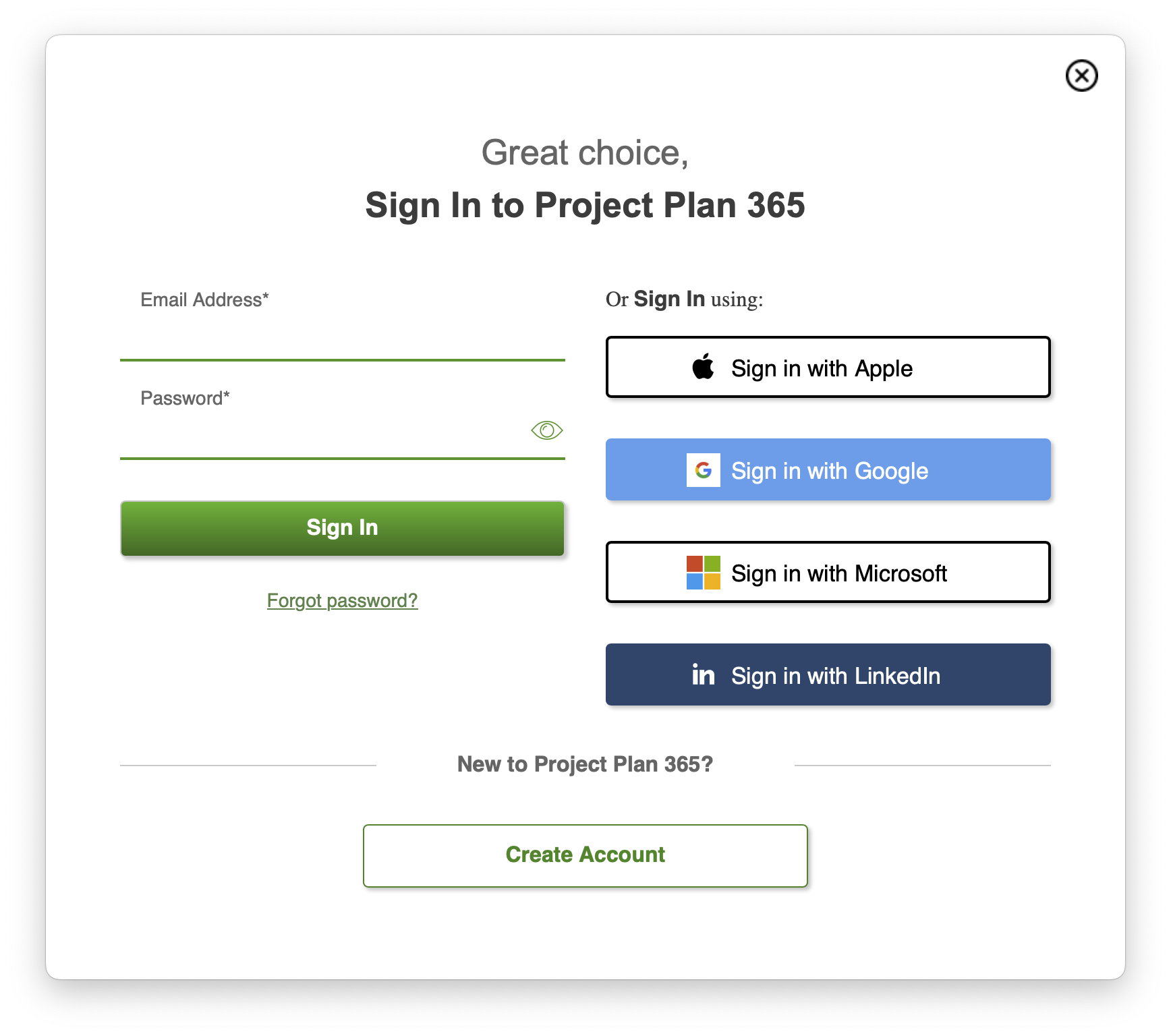
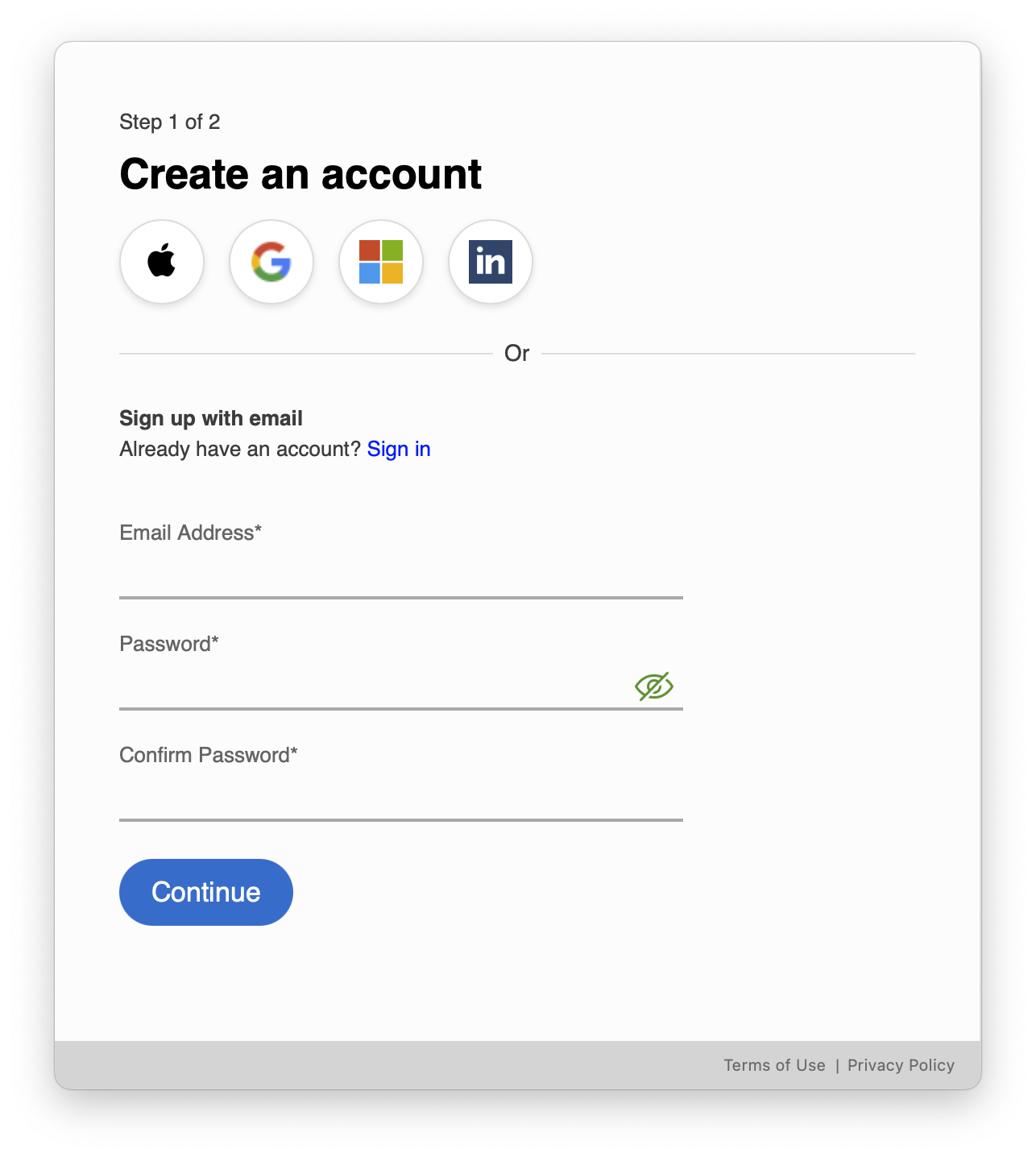
After clicking on Create Account button, type in an email and password or click on any third-party option and click Continue.
5. After signing up, the What do you want to do today? dialog will appear. Select the option that best describes how you want to use the app.
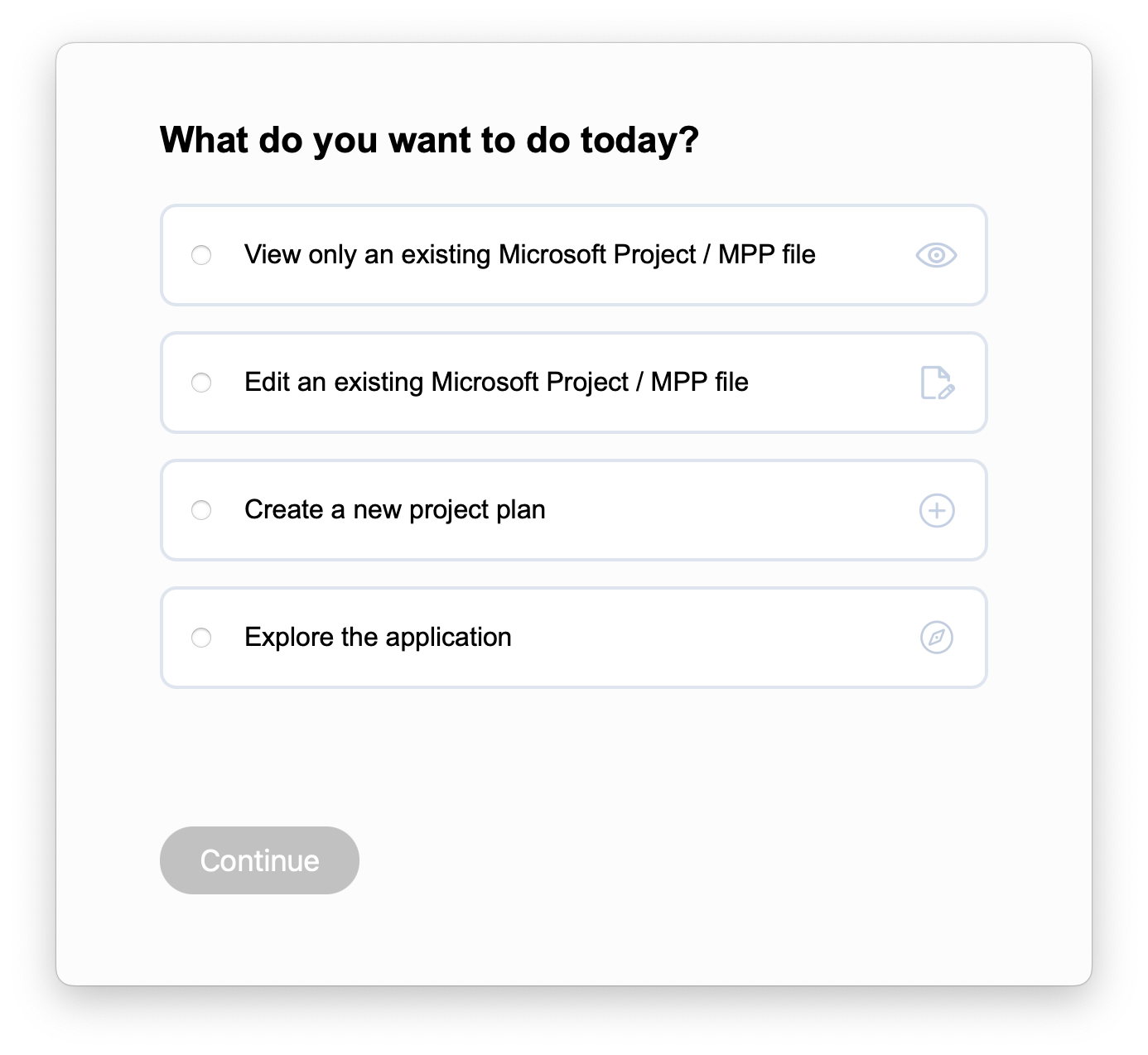
6. Click Continue to proceed with your selected option. Depending on your choice:
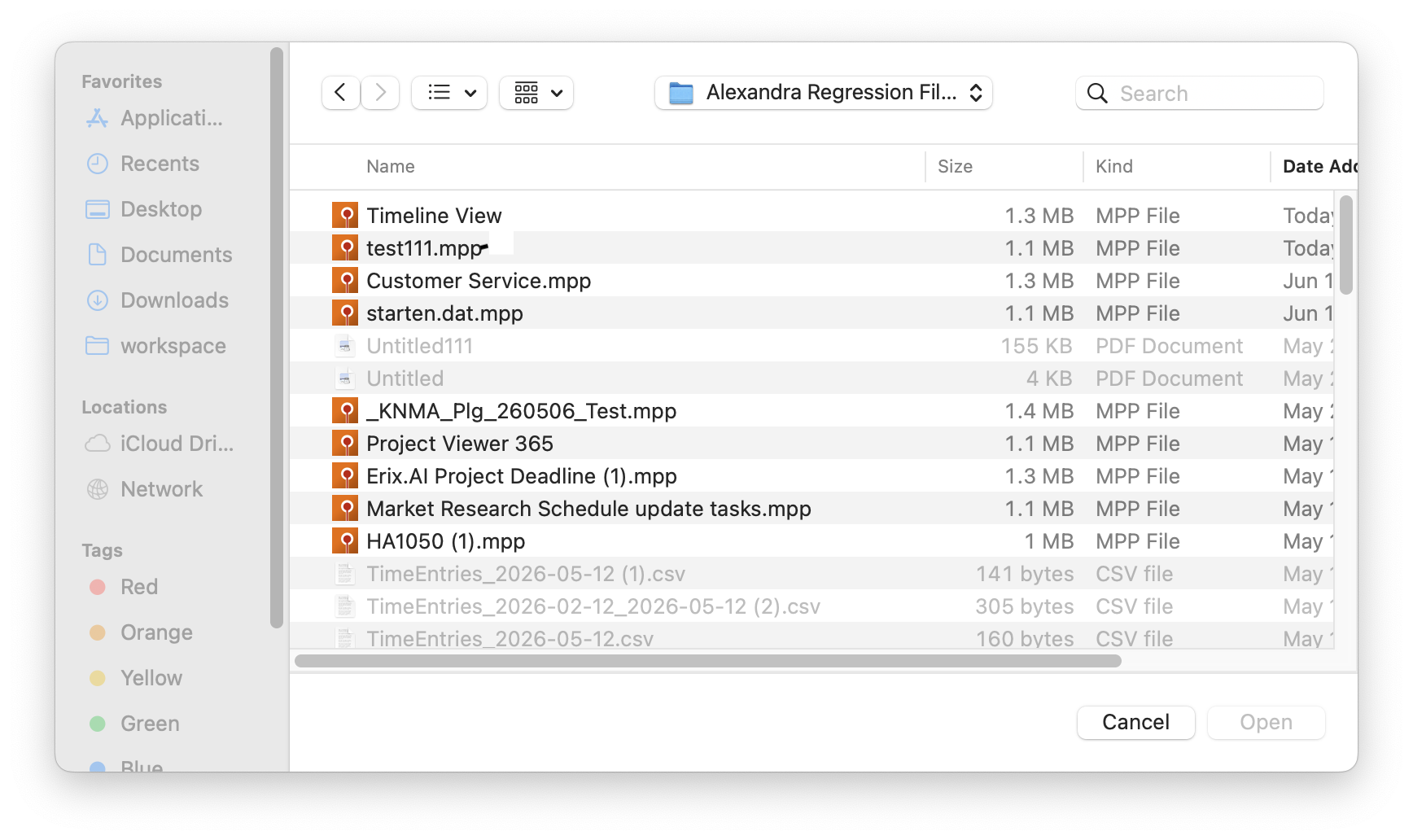
- If you selected View only an existing Microsoft Project/MPP file or Edit an existing Microsoft Project/MPP file: a file picker will open, allowing you to select a local .MPP file.
- If you selected Create a new project plan: the Erix AI project generation flow will start.
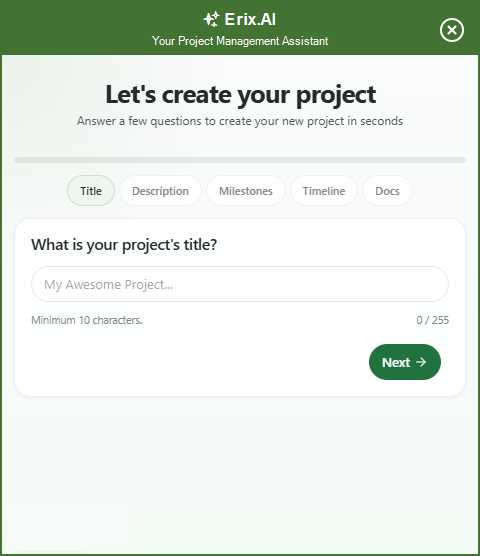
- If you selected Explore the application: a sample project will open automatically.
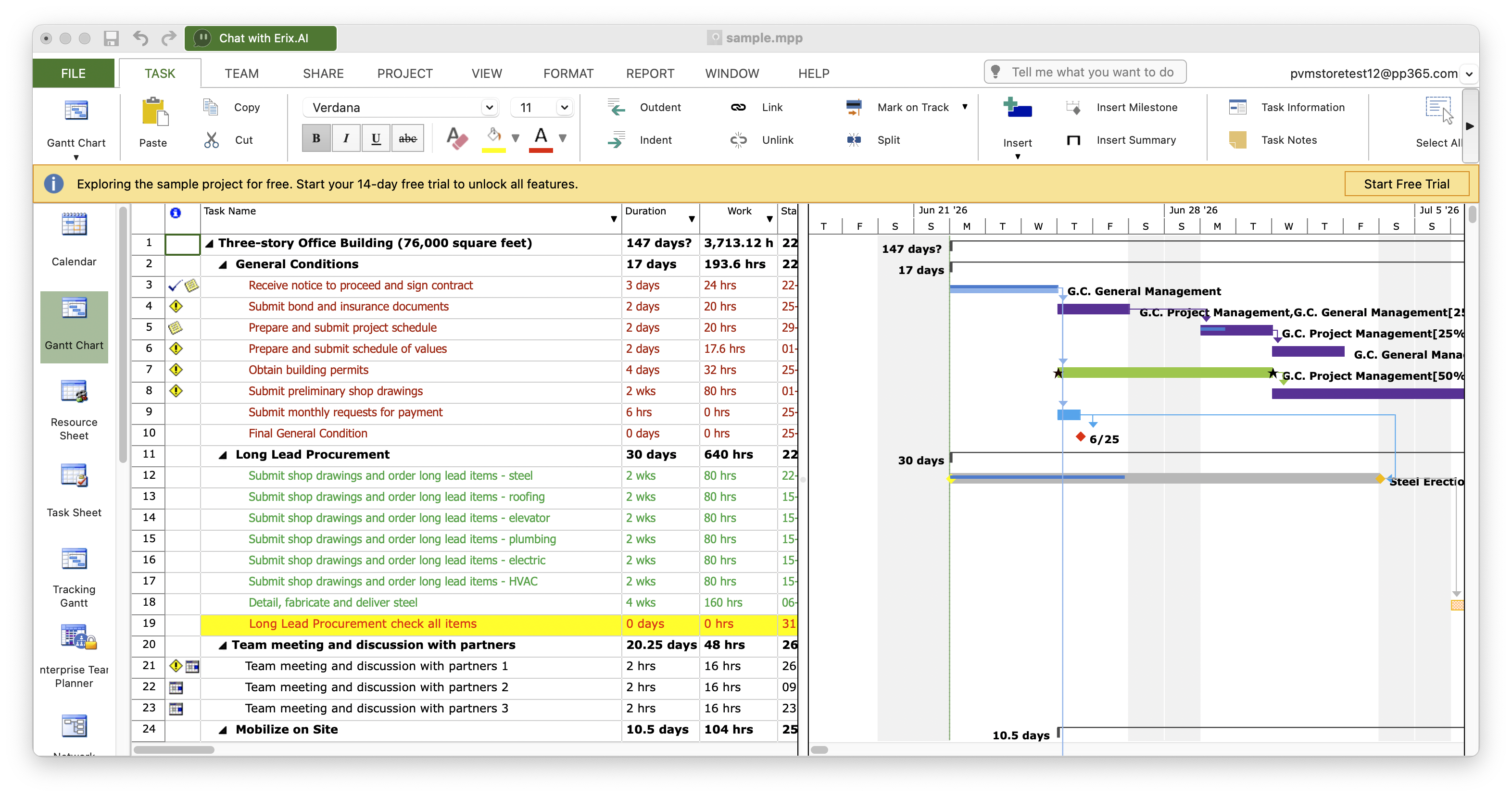
7. To start a trial, click on Start Free Trial button in the yellow bar or on any restricted action. The Start 14-days trial dialog will be opened.
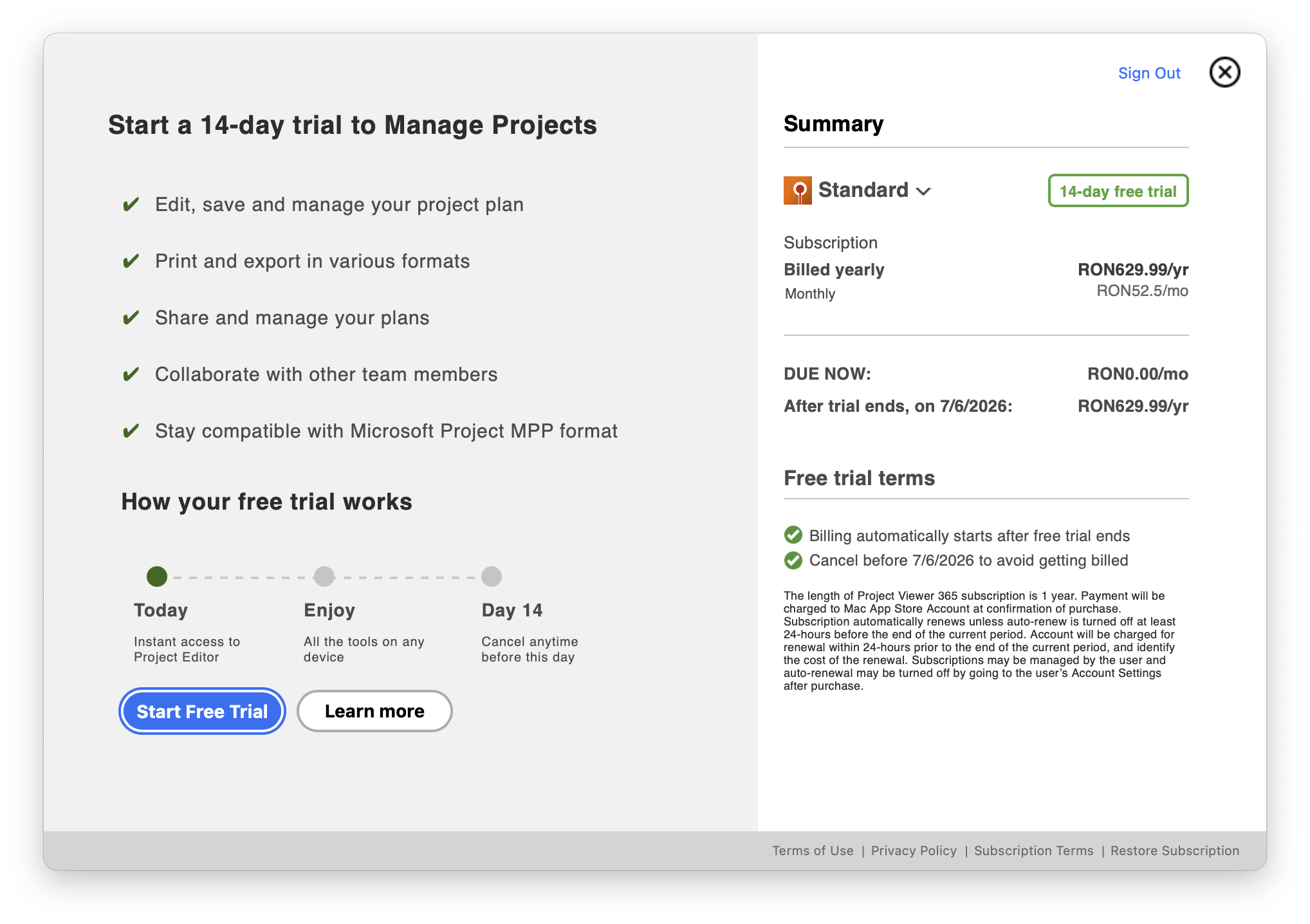
Note: You can also click the Start Free Trial button directly from What do you want to do? dialog if you prefer to skip the free action and activate your trial immediately.
8. Make sure the "Standard" option is selected from the Summary section and click Start Free Trial button
9. Insert your Apple ID and password.
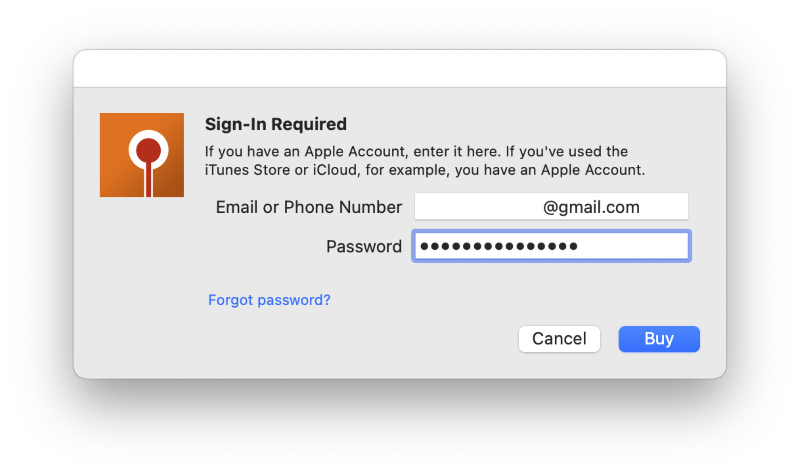
- Click the “Buy” button.
- Click the “Continue” button.
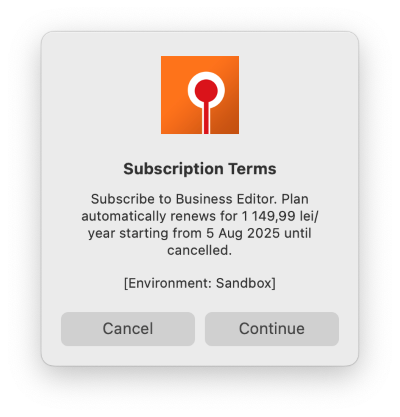
- In the next dialog click the “OK” button.
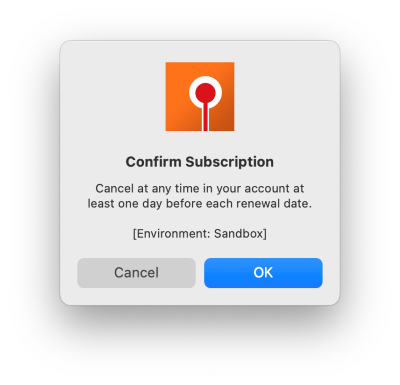
- Click the “OK” button.
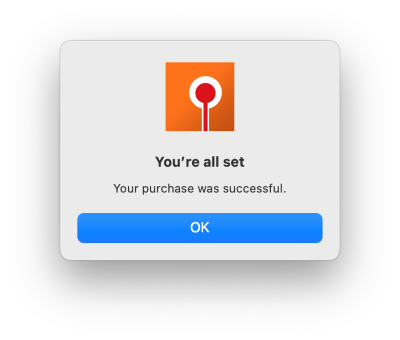
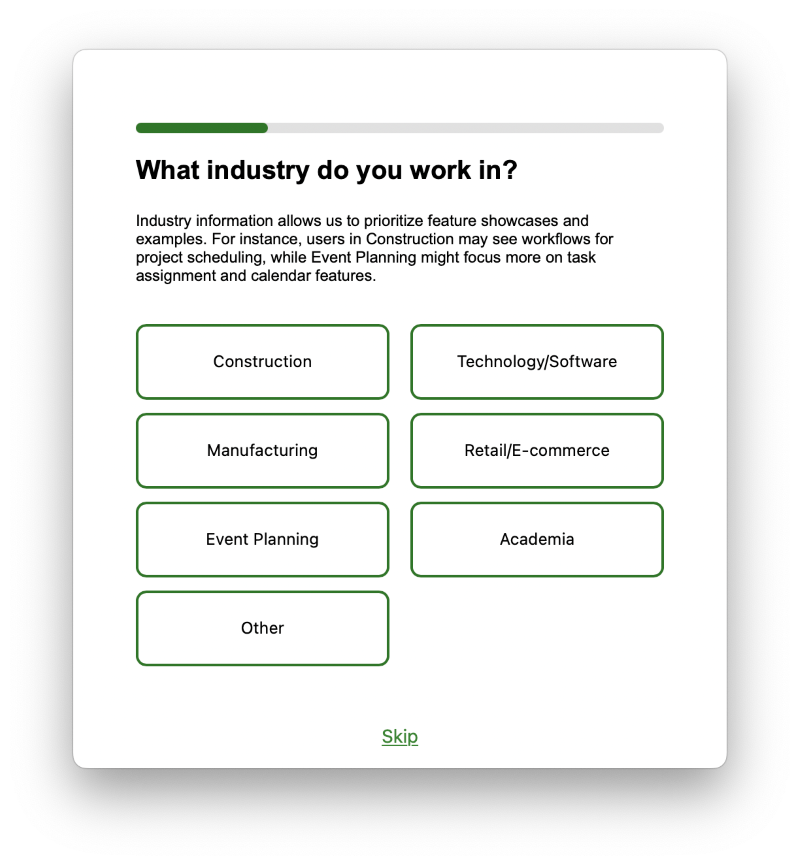
- After Standard Trial is started, you will be asked to complete a Survey (note that survey can be skipped).
- If you skipped the free action from the What do you want to do? dialog, you will have the option to Open an Existing Project or Create a New Project.
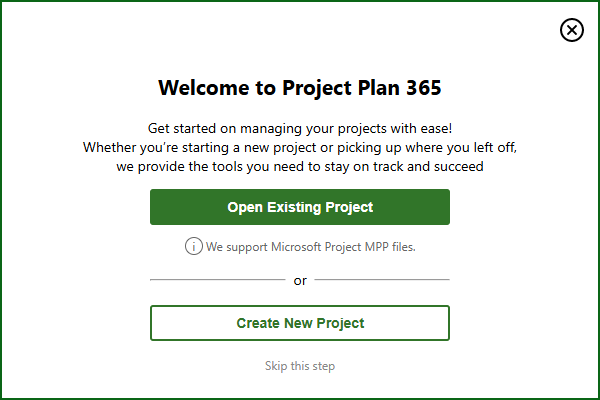
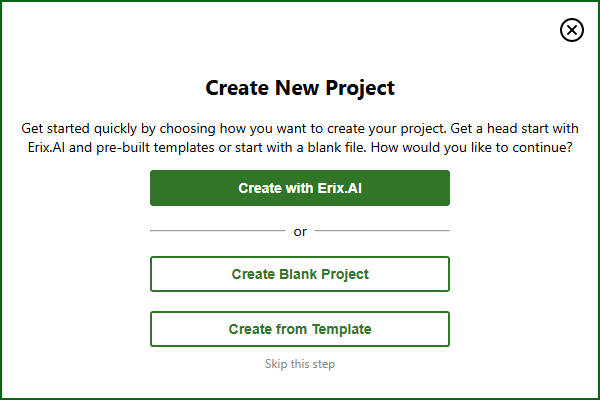
Now you are all set!
How to activate the Standard Editor Subscription for Project Viewer 365 from App Store?
To activate the Standard Editor Subscription from App Store follow the steps below:
- First please check if you are Signed In on App Store with the account used to buy the subscription (to find this info, open App Store, click on Store and see what’s on “View My Account”).
- Also please make sure you have now on Mac the same Region (the same with Region when you purchase the application from store).
- Open Project Viewer 365 app.
- Create a new account or Sign In with an existing one that doesn't have any active subscription.
- If you created a new account - in the Start Trial dialog click on the Restore Subscription button in the bottom right corner; If you Signed In with an expired account - click on the Already Purchased? button.
- In the Subscriptions dialog click on the Restore Standard Editor Subscription.
- Wait for the confirmation message.
How to cancel my subscription from App Store?
To cancel your subscription from App Store please follow the instruction from Apple Support.
How can I cancel my Standard Subscription from App Store?
To cancel the Standard Subscription, please go to "Help" menu - "Subscriptions" tab and click the "Cancel Subscriptions" button. Then, follow the instructions from Apple Support. We have no access to your account and cannot reach them on your behalf.
I purchased Standard subscription from App Store. How can I use this subscription on another platform or device?
To use the Standard subscription purchased from App Store on other platforms, follow the steps below:
- Download, install and open our application from App Store.
- Create a new account or Sign In with an existing one that doesn't have any active subscription.
- If you created a new account - in the Start Trial dialog click on the Restore Subscription button in the bottom right corner; If you Signed In with an expired account - click on the Already Purchased? button.
- Click the Restore Standard Editor Subscription button and wait for the confirmation message.
- To use the subscription on other device/platform, Download and install the latest app from our website and then Sign In with your email and password inside the application.
I didn't receive the invoice after payment. I purchased the app from store.
If you have purchased the subscription from App Store, Microsoft Store or Google Play Store we cannot generate any invoice for orders because the order was not placed with us and because we have no access to your account. You will need to contact them directly to obtain the invoice. We cannot reach out to them in your behalf.
I renew my standard subscription from App Store. How can I update my Project 365 account info?
If you have renewed your subscription and the data has not been updated into the application please follow the steps below:
- Make sure you downloaded and installed our latest application from App Store.
- Open application.
- Sign In with your Project 365 expired account.
- In the trial/subscription expired dialog click on Already purchased? button.
- Press on “Restore Editor Standard Subscription”.
- Wait for the confirmation message.
I purchased from App Store and I would like a refund.
If you have purchased from App Store and need a refund we are sorry to announce you that we have no access to your account in App Store and cannot contact them on your behalf. Please reach out to them to cancel your subscription and get refunded: https://support.apple.com/en-us/HT204084.
Why is my restore subscription button grayed out?
If the Restore Subscription button is grayed out it means that the subscription from App Store has already been restored.
How do I stop the next renewal?
There are three possibilities:
- If you purchased a subscription from our website and you want to cancel the auto-renewal, please follow the steps from the Cancel Subscription
- If you purchased a subscription from App Store and you want to cancel the auto-renewal, you will need to follow the steps from Apple Support as we have no control over your apple account.
- If you purchased a subscription from Microsoft Store and you want to cancel the auto-renewal, you will need to follow the steps from Microsoft Store as we have no control over your Microsoft account.
What is App Store?
App store is an online portal through which software programs are made available for procurement and download.
Why do I have a strange email associated with my Project Viewer 365 account?
The reason why that strange email address appears is because you set your email address to be hidden when signing in with Apple.
Please check the Hide My Email for Sign In with Apple article for more info.

